← All prebuilt solutions
Payroll & HR

Auto-Enrolment Assessment Tracker

Assess every worker each pay period, see who must be enrolled, work out minimum pension contributions and track opt-outs and re-enrolment

£20

Secure checkout. Your file is ready in your client portal as soon as payment clears.
Auto-Enrolment Assessment Tracker

Overview

Every employer must assess its workers for automatic enrolment into a workplace pension every time they are paid. Most payroll software does it, but this workbook lets you check the result, plan for the cost and keep track of opt-outs and re-enrolment.

Price
£20
Who it’s for
Payroll & HR
Works with
Microsoft Excel for Windows and Mac
Buy now

See how it works

A walk through the main sheets

The sheets you will use most, in the order you will use them – shown with the sample data every workbook comes with.

Step 1

Workers

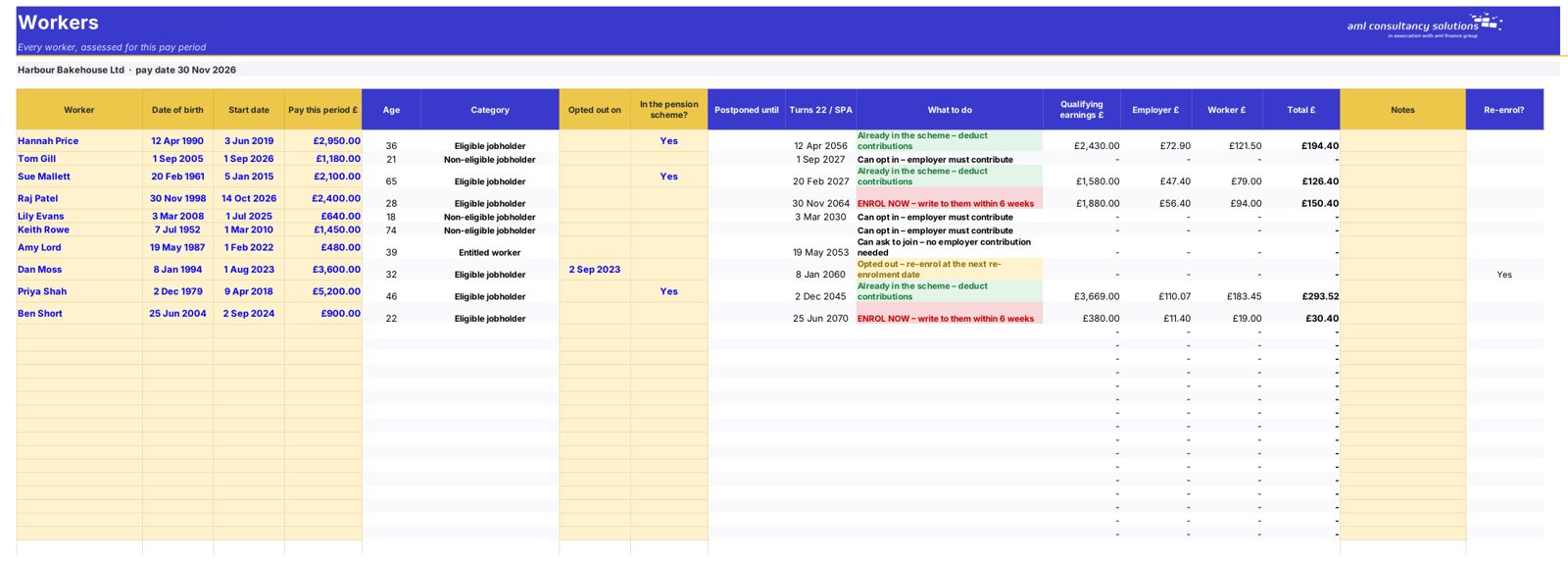
Each worker's age, pay and assessment result. What you do: one row per worker per period.
Workers
Settings

Step 2

Settings

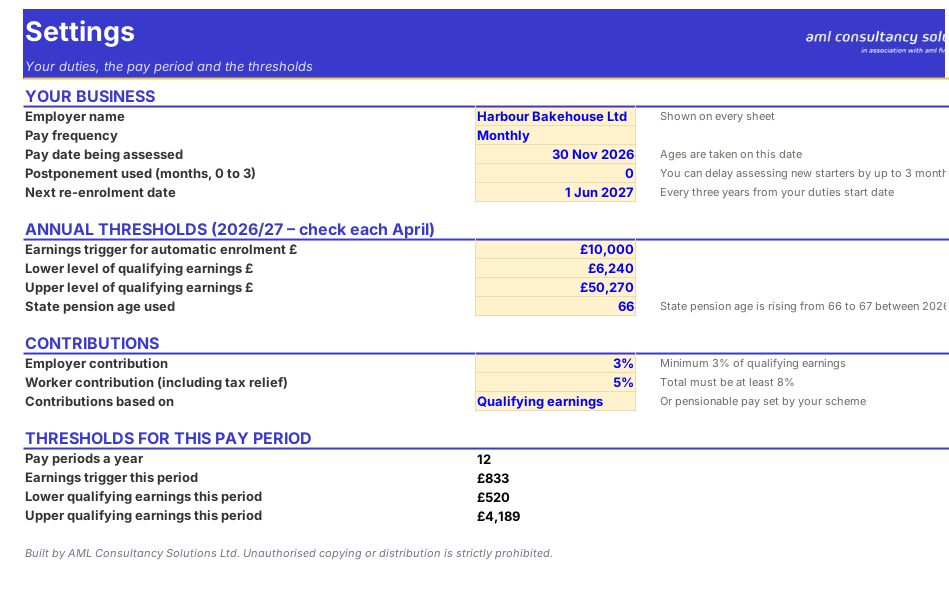
Pay frequency, thresholds and contribution rates. What you do: check once a year.

Step 3

Guide

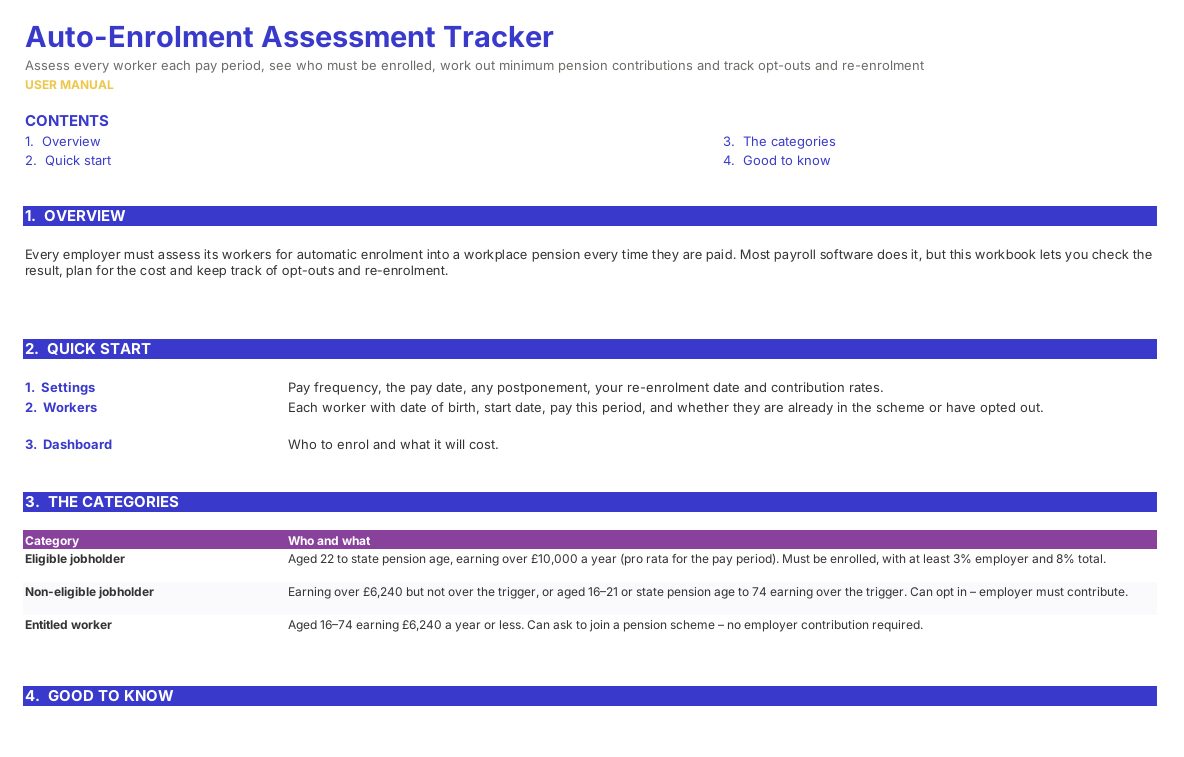
How automatic enrolment works and what to do for each category. What you do: read before you start.
Guide

Step 4

Who it is for

Made for people like you

  • Example – text
  • Small employers running their own payroll – Get automatic enrolment right without a payroll bureau.
  • Employers of seasonal or variable-hours staff – Reassess workers whose pay changes each period.
  • Bookkeepers and payroll providers – A clear record of every assessment for The Pensions Regulator.

Quick start

Up and running in minutes

  1. Example – text
  1. Settings – Pay frequency, the pay date, any postponement, your re-enrolment date and contribution rates.
  2. Workers – Each worker with date of birth, start date, pay this period, and whether they are already in the scheme or have opted out.
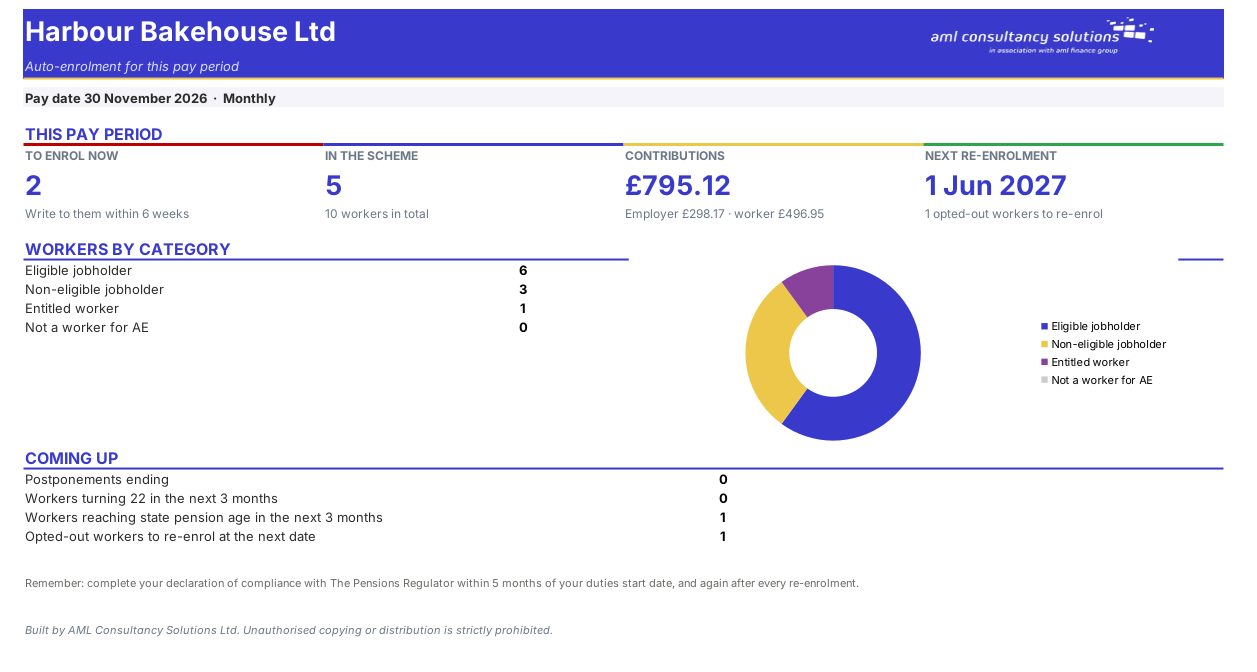
  3. Dashboard – Who to enrol and what it will cost.

Key features

  • Assesses every worker each pay period by age and earnings – eligible jobholder, non-eligible jobholder or entitled worker – using the thresholds for your pay frequency.
  • Tells you what to do for each person, handles postponement and opt-outs, and works out employer and worker contributions on qualifying earnings or all pay.
  • Flags workers turning 22 or reaching state pension age soon, and opted-out workers due to be re-enrolled at your next three-yearly date.

What’s included

  • Dashboard – This pay period
  • Settings – Pay frequency, thresholds, rates
  • Workers – Every worker assessed
  • Guide – How to use this workbook

How buying works

Your file is only released to your client portal once payment has cleared.

1

Click Buy now

You are taken to our secure checkout.

2

Pay securely

Checkout takes a minute and you get a receipt by email.

3

Download your file

Your file is ready in your client portal as soon as payment clears, and we email you your invoice with a link to the portal.

Explore the range

Need it tailored to your business?

We can adapt any prebuilt solution or build something bespoke, with a lifetime bug-free guarantee.

Part of AML Finance Group

Need an accountant too?

Our sister firm, AML Accountancy Solutions, is an award-winning accountancy practice helping businesses and individuals across the UK with their accounts, tax, bookkeeping and payroll.

Visit AML Accountancy Solutions